⚠ iPhone Users: Please Read!
If you install the shortcut from a different page, it will show an ugly "X" bar at the top. Because you are on the Home Page right now, it is perfectly safe to install!
1
Tap the Safari Share icon at the bottom of the screen.
2
Scroll down and select Add to Home Screen.
3
Finalize by tapping the top-right Add command.
System Setup Manual
1. Desktop & Android Web App Setup
When accessing the portal through compatible browsers, the native install prompt box activates automatically. Tap "Install Native Shortcut App" to assign the PWA framework to your device's app drawer or PC desktop.
2. Direct Android APK Side-loading
For environments needing separate operating runtimes outside shared browsers, tap "Download Compiled APK File". Once downloaded, open the system package installer, approve third-party source authorization flags, and finalize the application onto your handset.
3. iOS Configuration Warning
If your iOS shortcut launches with a URL bar or an "X" at the top, it means you installed the shortcut on a page that redirected out of scope. Delete the icon, return to the main Feed, and reinstall the shortcut from there.
Mayland Platform
Cambodia's premier digital directory and community service hub. Connecting you to trusted local services, verified real estate, and critical emergency resources.
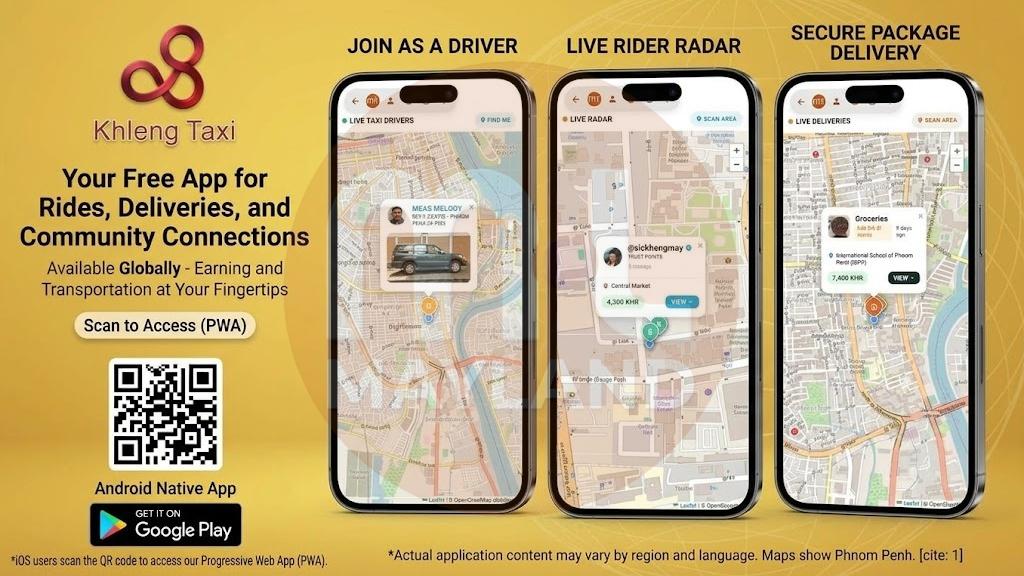
Take control of your daily commute and your extra time with the Mayland app. Whether you need a quick ride, a reliable package delivery, or a flexible way to earn income, Mayland connects the community directly.
📦 For Riders & Senders:
Book a Ride: Spot nearby drivers on the live map, lock in your booking, and contact your driver directly.
Send Packages: Drop a pin, confirm your location, and get your items delivered fast with real-time tracking.
🚗 For Drivers (Be Your Own Boss):
Total Flexibility: Work exclusively on your off-hours or free time. You set your own schedule.
100% Free to Earn: Zero monthly subscription fees and no hidden platform costs. You keep what you earn.
Easy Setup: Sign up directly on your phone, upload your details, and start accepting live requests immediately.
Tap the link in our bio to access the Mayland app and get started!
[Date: October 12, 2026]
The images depict individuals in outdoor settings, one in a grassy field and another showcasing an urban cityscape with modern buildings and a helipad. The individuals are dressed in formal attire, suggesting a professional or cultural context. The scenes are clean and safe, with no prohibited content present.
[Date: September 5, 2026]
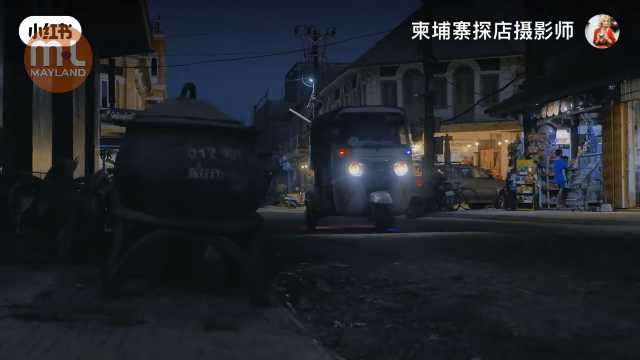
The first image shows a person seated inside a shop, viewed through a window with bars. The interior appears modest, with simple furnishings and some hanging items. The second image captures a street scene with a yellow building and a reflection in a puddle, suggesting a quiet, possibly residential area. The third image depicts a nighttime street view with a tuk-tuk and some streetlights, indicating a calm urban environment. The overall atmosphere is peaceful and uneventful.
[Date: September 21, 2026]
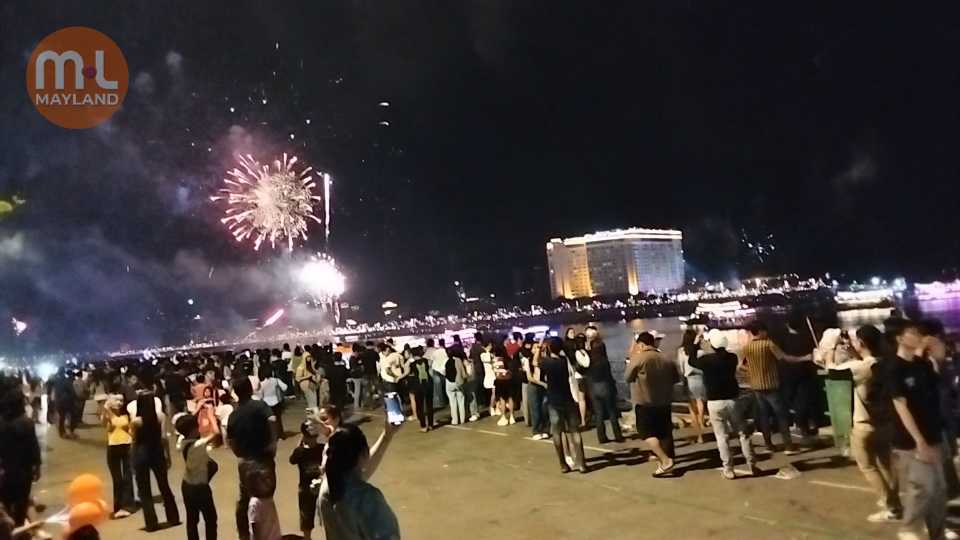
The images depict a lively nighttime scene with a large crowd gathered near a waterfront, watching a vibrant fireworks display. The fireworks light up the sky with colorful bursts, creating a festive atmosphere. The crowd appears engaged and entertained, with some individuals taking photos or videos. The setting includes a well-lit building in the background, suggesting an urban environment. The overall mood is celebratory and joyful.
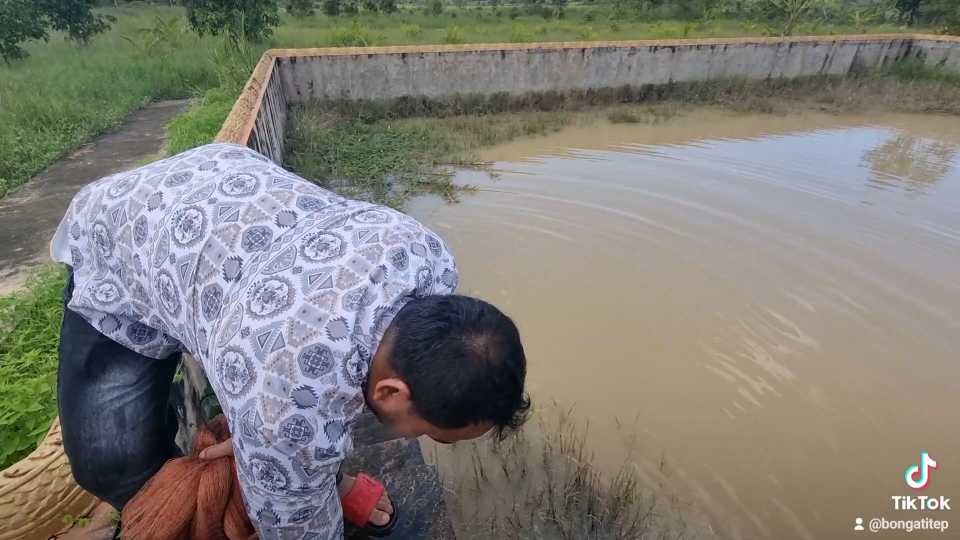
The images depict a rural setting with a man engaged in fishing activities near a pond. The man is seen bending over the water, possibly handling fishing equipment or checking the fish. The surrounding area includes greenery, a concrete wall, and a distant view of hills and trees under a partly cloudy sky. The atmosphere appears calm and serene, typical of a countryside environment.
[Date: October 18, 2026]
The images depict a professional setting with a person dressed in business attire, holding a smartphone. The background features modern office elements, such as large windows and indoor plants, creating a clean and organized environment. The individual appears to be presenting or communicating, as indicated by the microphone and the QR code and contact information displayed on the screen. The overall tone is formal and business-oriented.
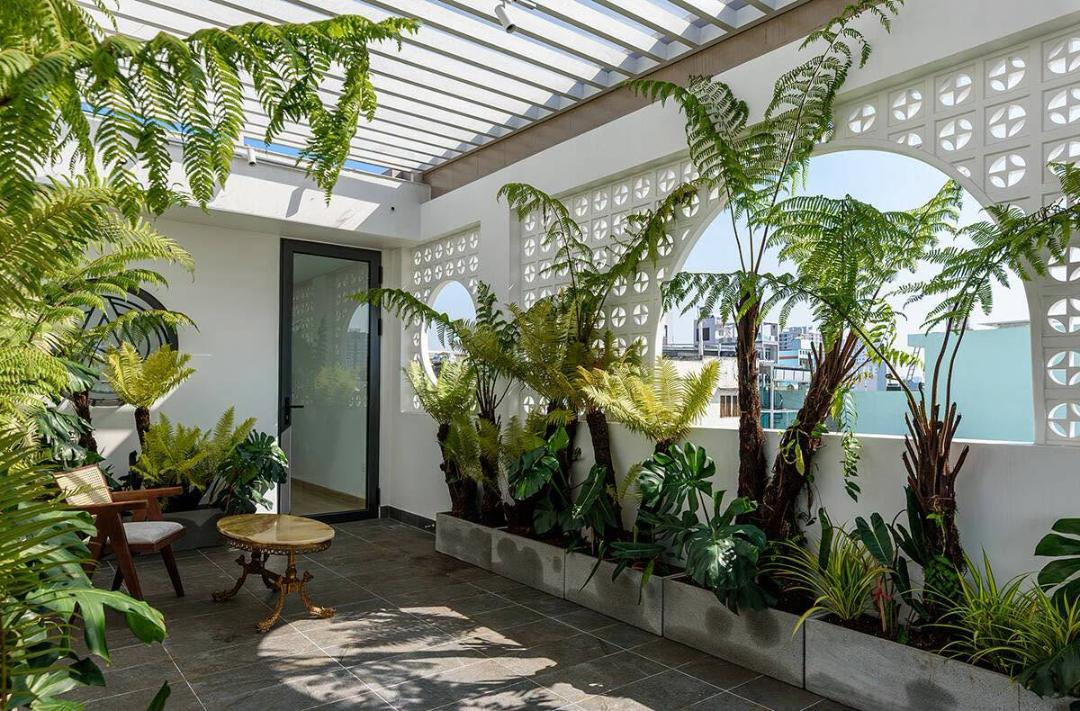
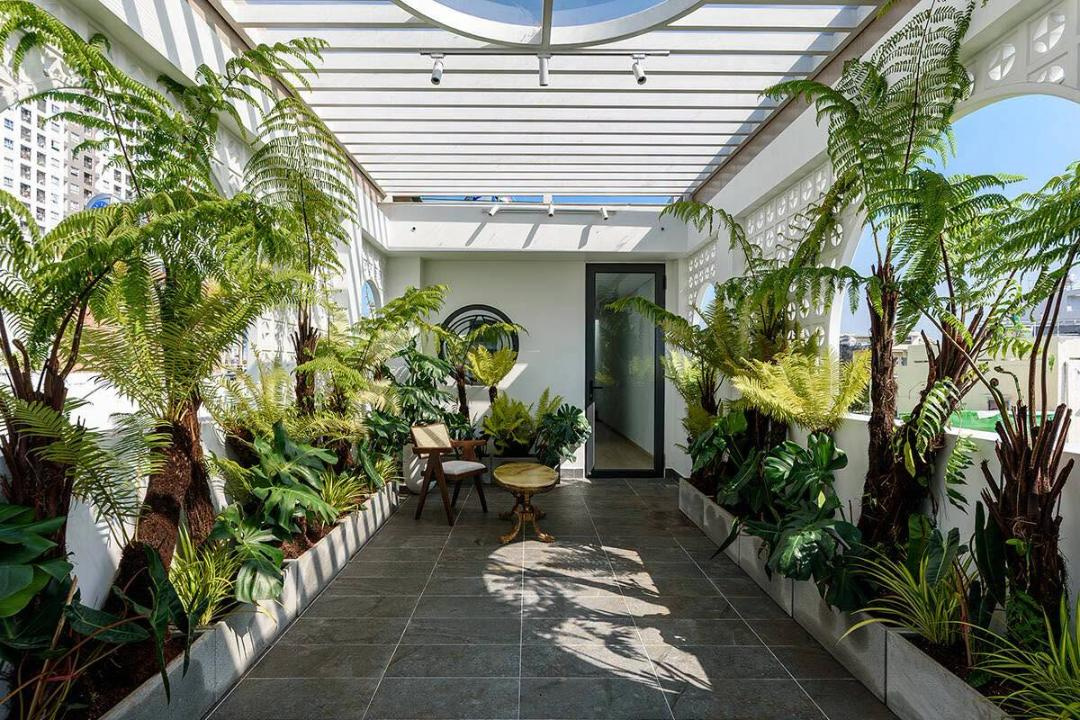
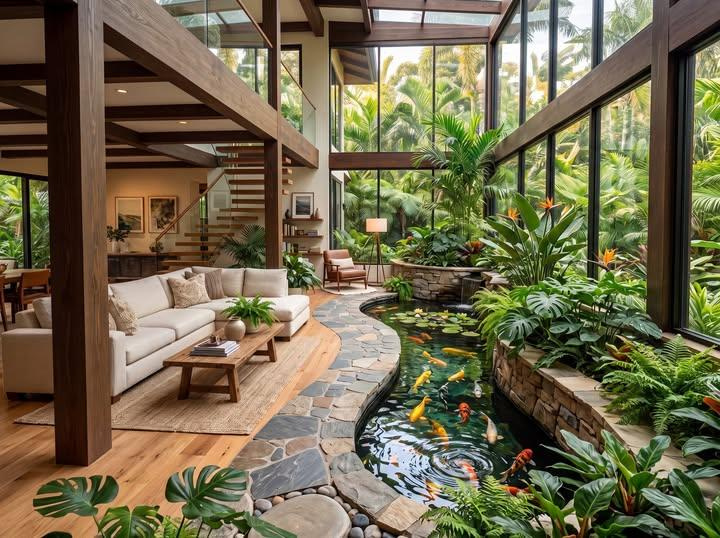
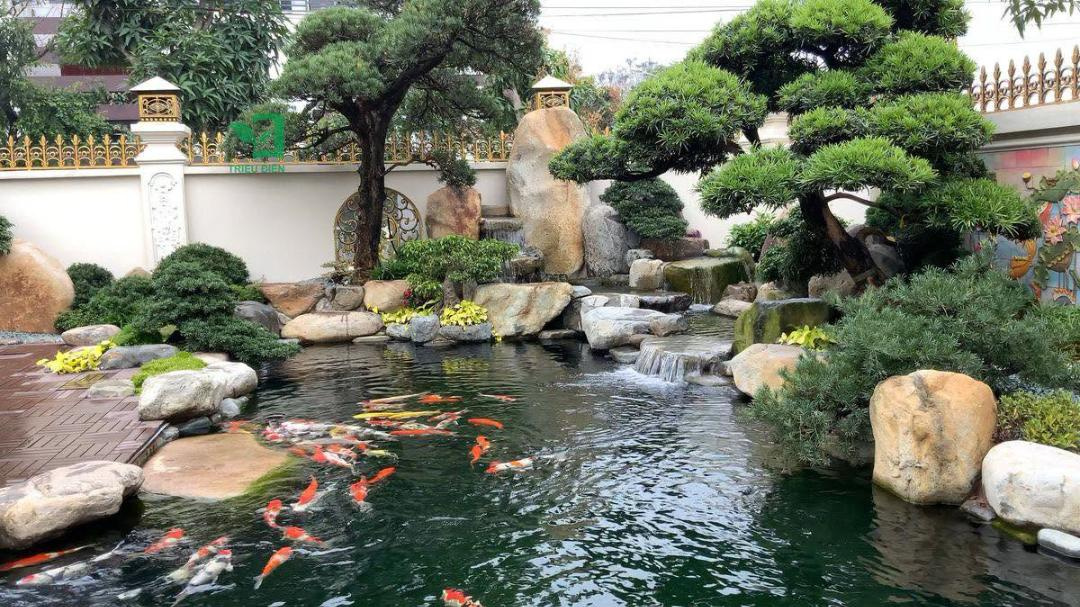
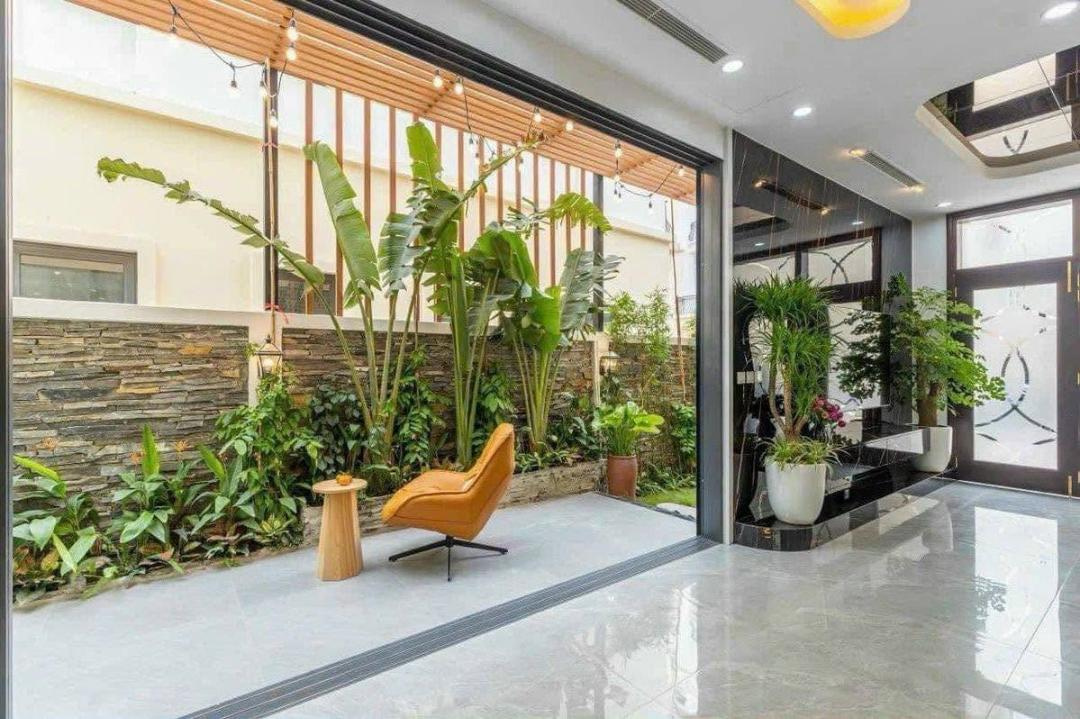
This picture shows a very beautiful garden that you could have in your backyard. If you have a large property, this would be a very nice design to use. It is a beautiful picture and a very good design.
[Date: October 18, 2026]
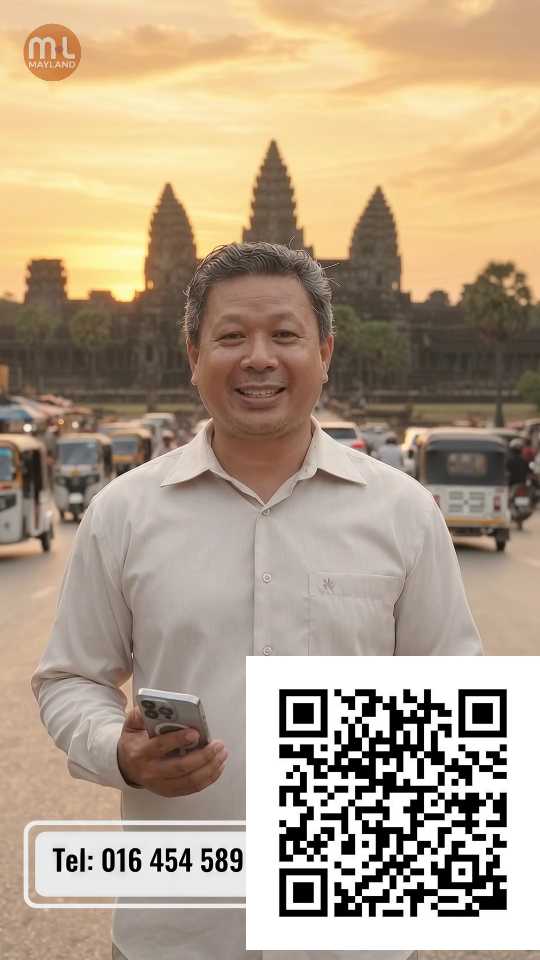
The images depict a man standing in front of the iconic Angkor Wat temple in Cambodia. The setting is serene, with the temple's majestic towers silhouetted against a warm, golden sky, suggesting either sunrise or sunset. The man is dressed in a light-colored shirt and holds a smartphone, with a QR code and contact information displayed in the foreground. The atmosphere is calm and inviting, emphasizing the beauty of the location and the potential for travel or exploration.
[Date: September 21, 2026]
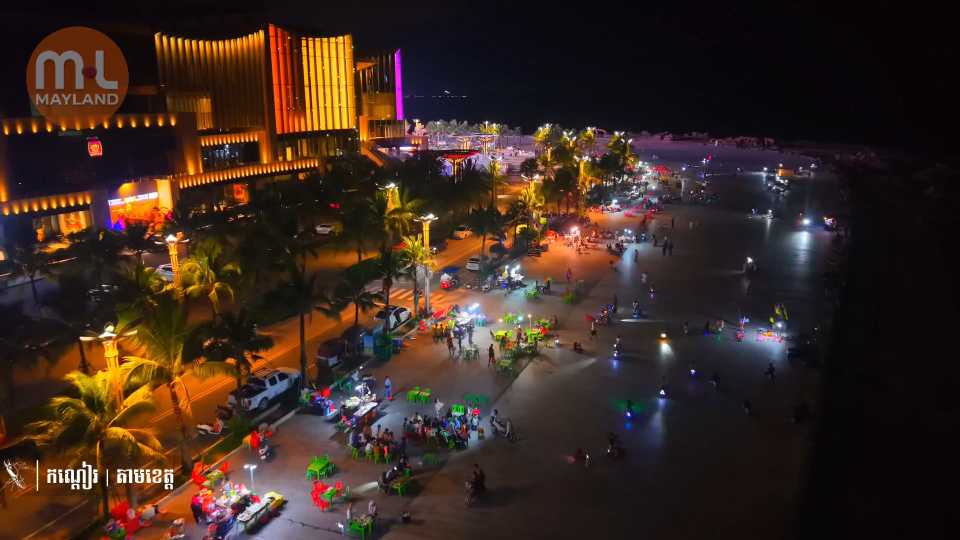
The first image showcases a serene coastal scene with lush greenery, a small island connected by a wooden pier, and turquoise waters. The second image features a large statue of two figures, possibly historical or mythological, standing on a hilltop with a scenic view of greenery and distant mountains. The third image captures a vibrant nighttime scene of a lively beachfront area with illuminated buildings, palm trees, and bustling activity, including food stalls and people enjoying the atmosphere. The overall ambiance is festive and inviting.
[Date: September 4, 2026]
The images depict two individuals in a conversation in an outdoor setting with greenery and flowers in the background. The individuals are dressed casually, with one wearing a white long-sleeved top and the other in a plaid short-sleeved shirt. The scene appears to be from a drama or television show, as indicated by the logo in the corner. The atmosphere suggests a calm and natural environment.